Accepting payments via Tap to Pay on iPhone is made simple with SaleQuick, taking just minutes and zero effort.
To get started, contact the SaleQuick team to enable Tap to Pay for your account. Our dedicated team will assist you in getting functionality enabled so you can start accepting payments.
From there, simply go into your SaleQuick mobile app, navigate to Settings, then Card Reader settings. Click Enable next to ‘Tap to Pay on iPhone,’ accept Apple’s Terms and Conditions, then begin accepting payments on your Virtual Terminal!
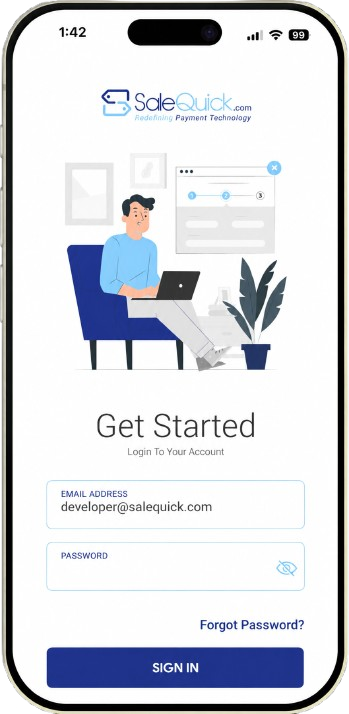
Step 01
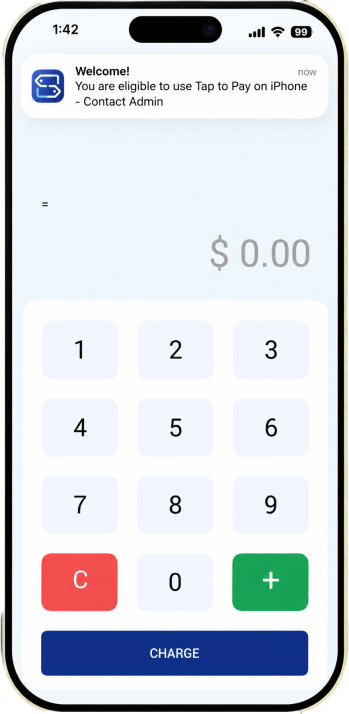
Step 02
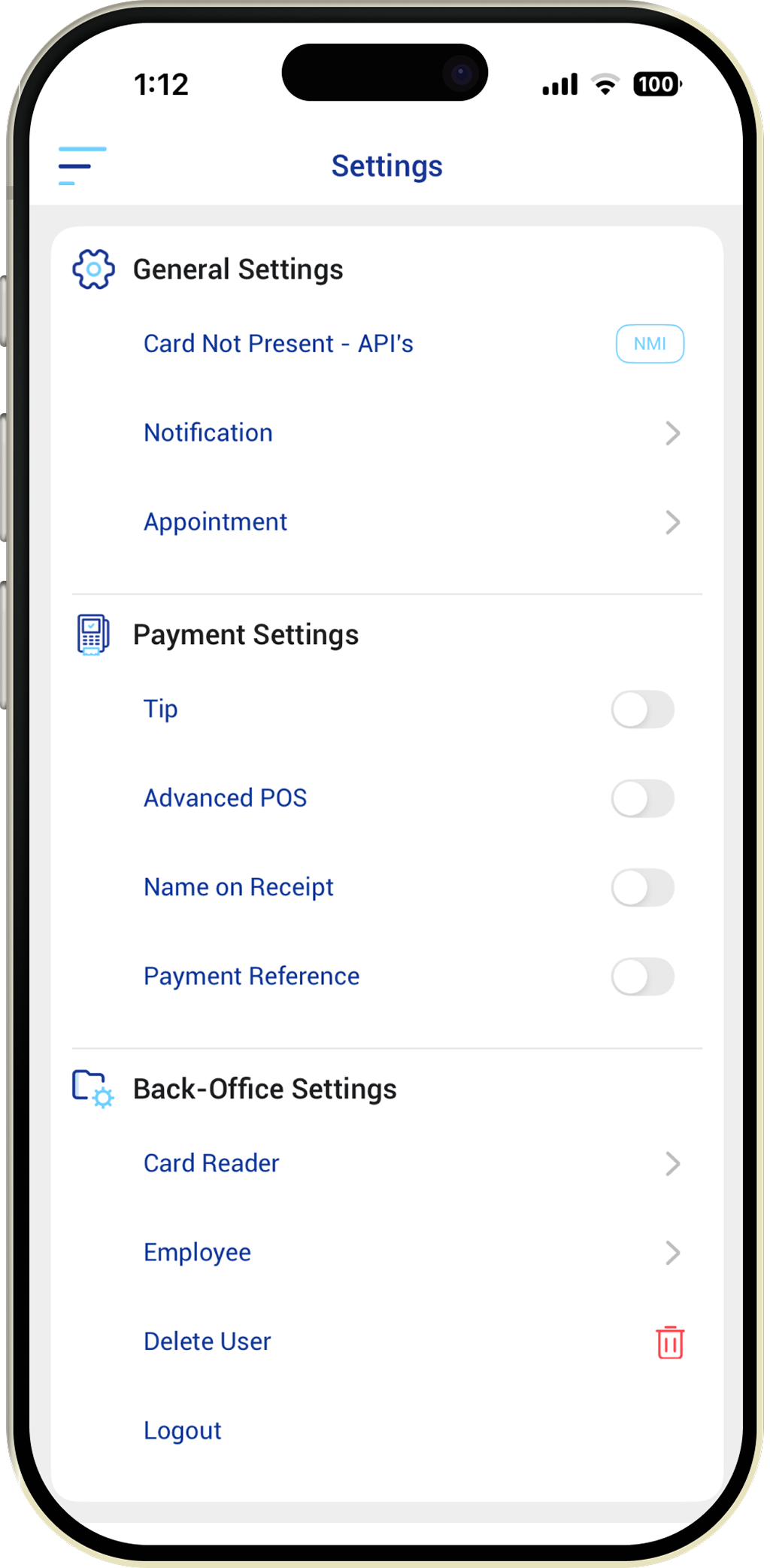
Step 03
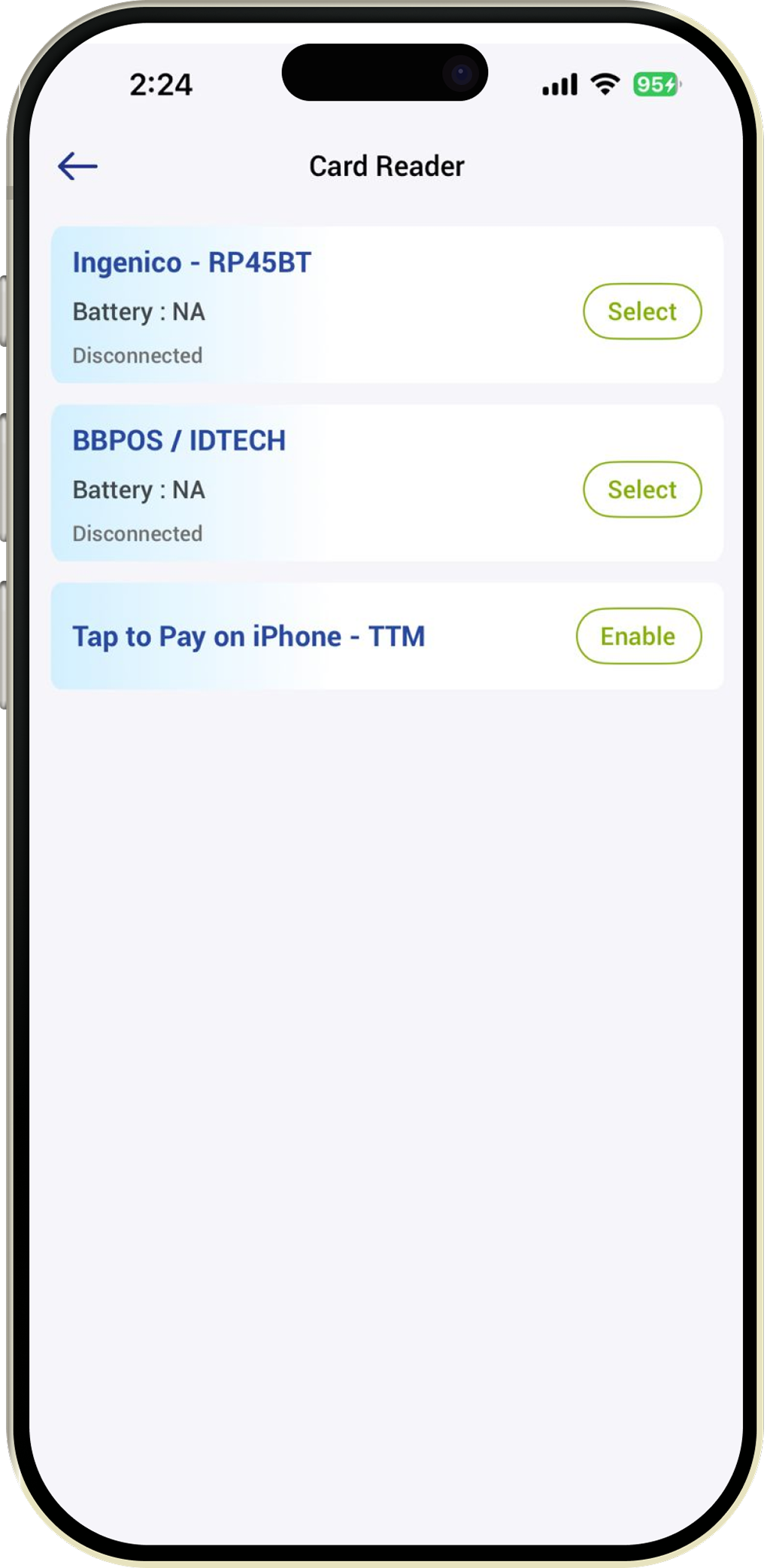
Step 04
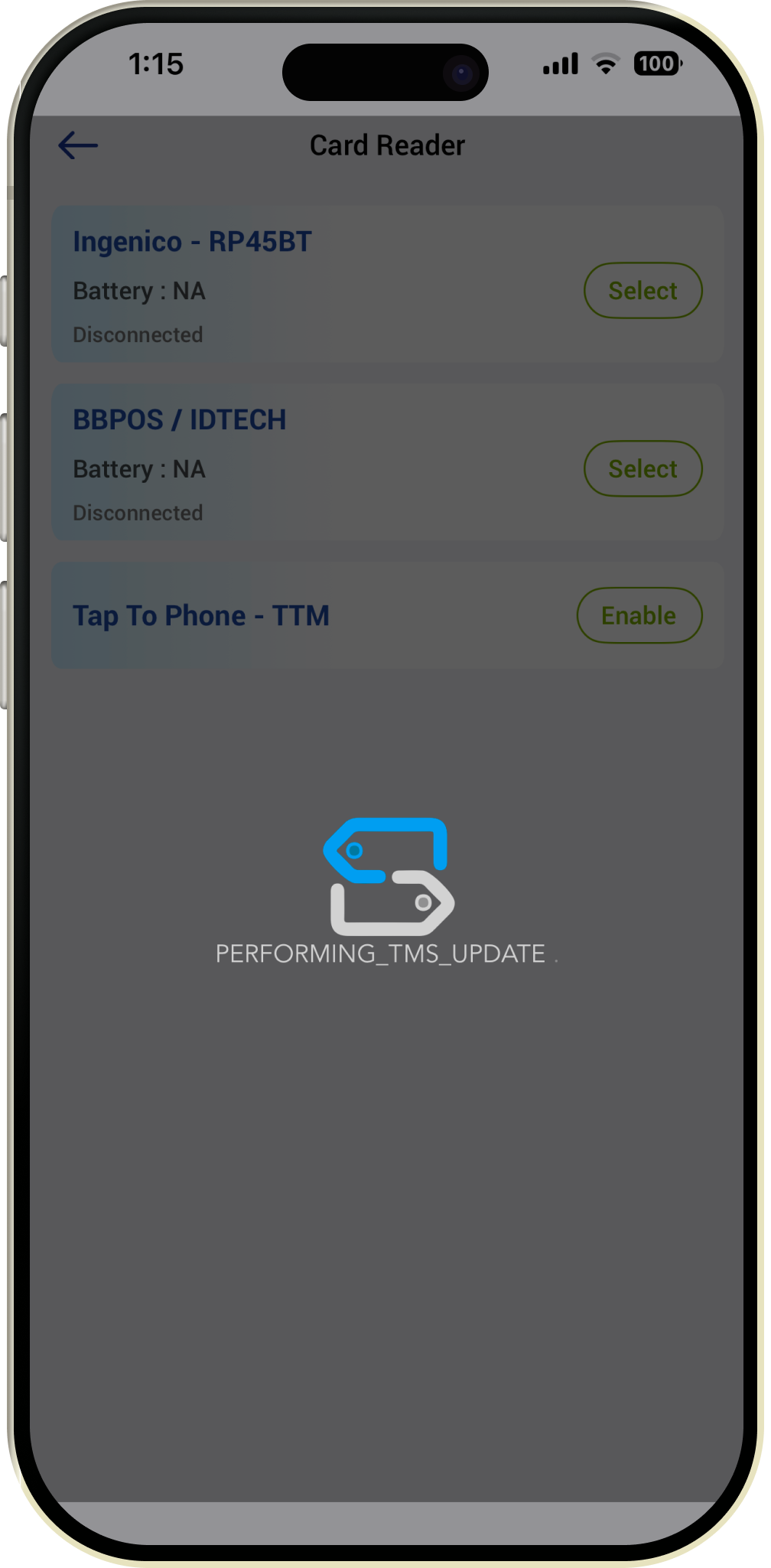
Step 05
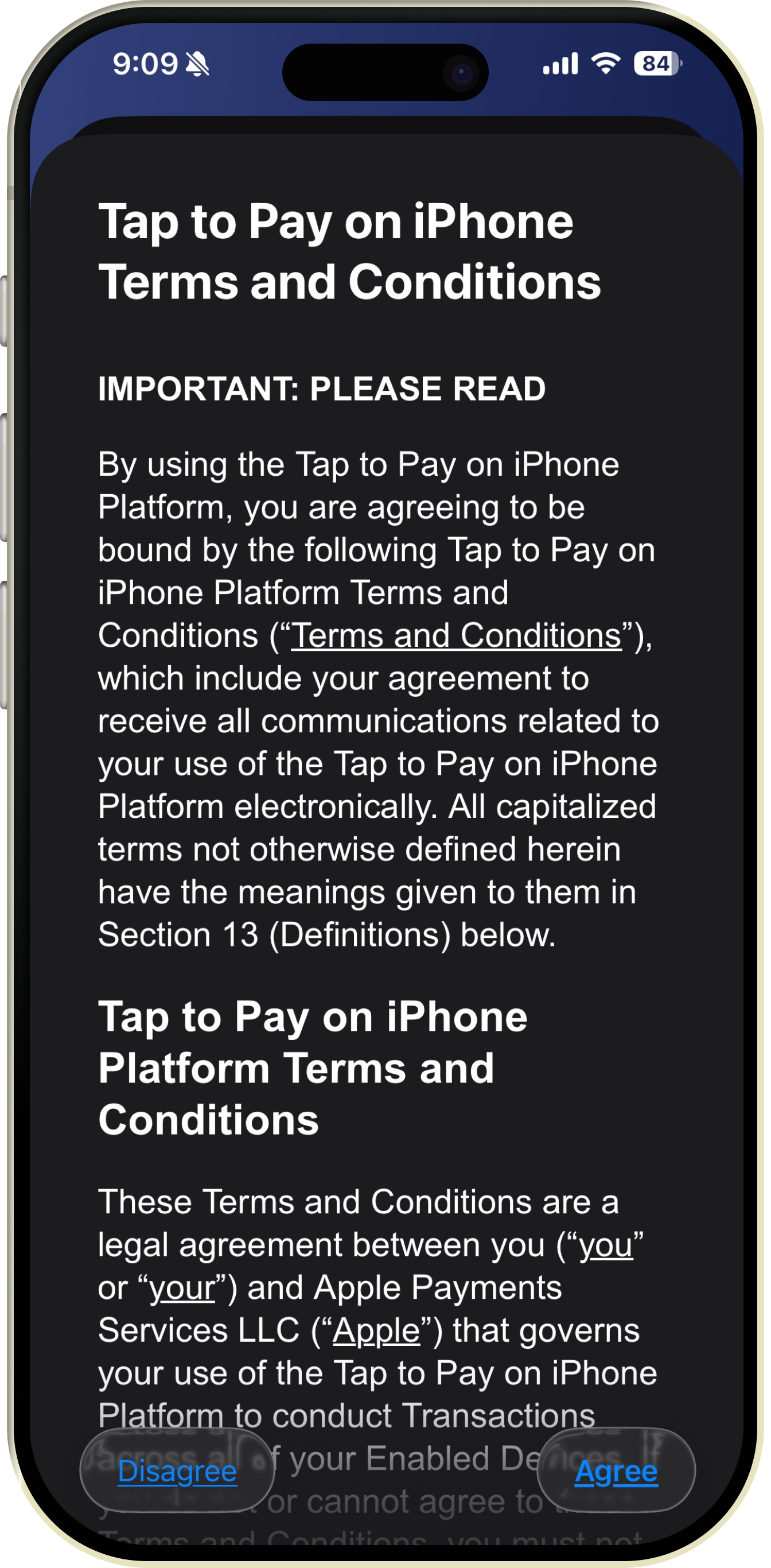
Step 06
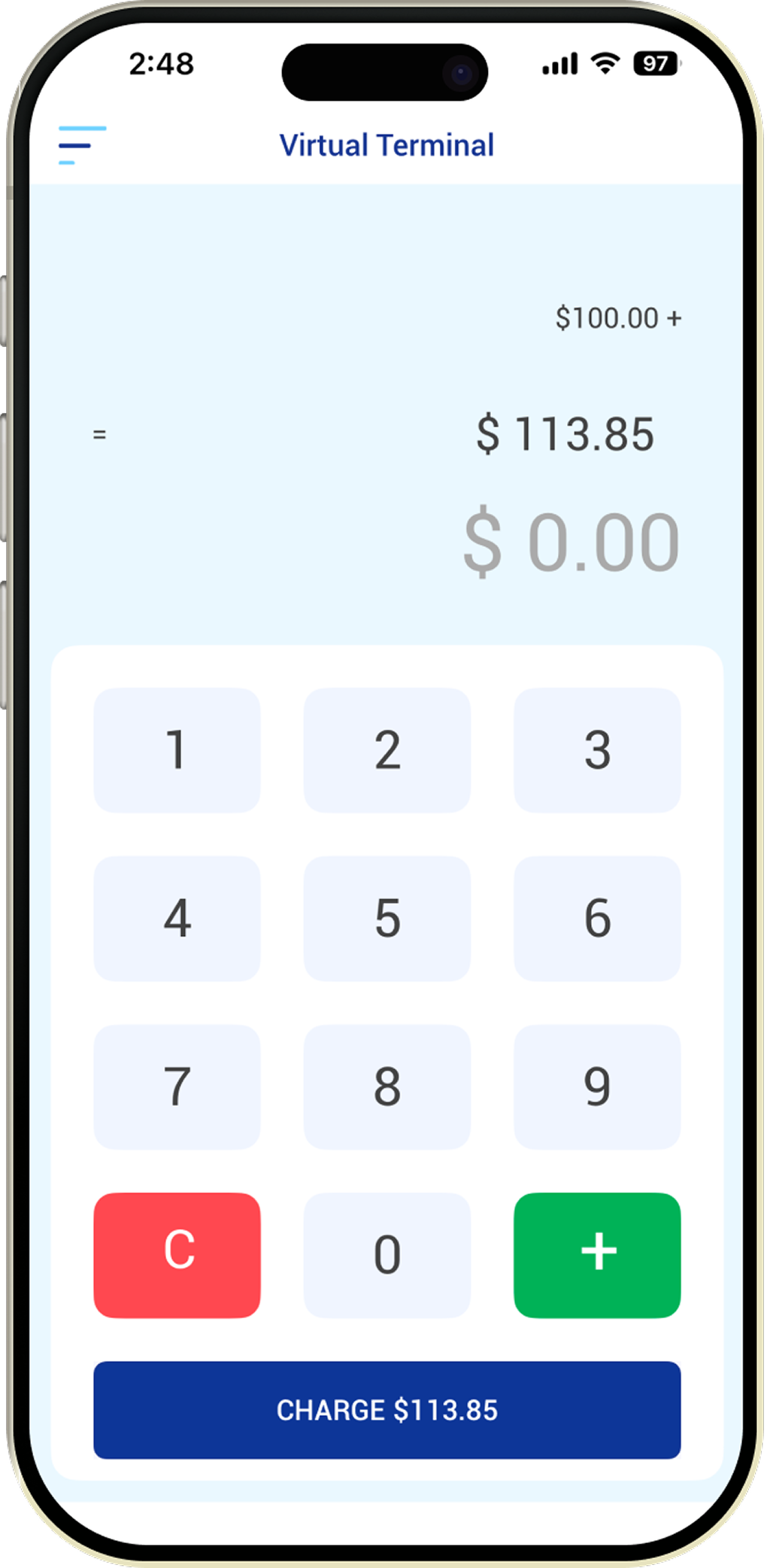
Step 07
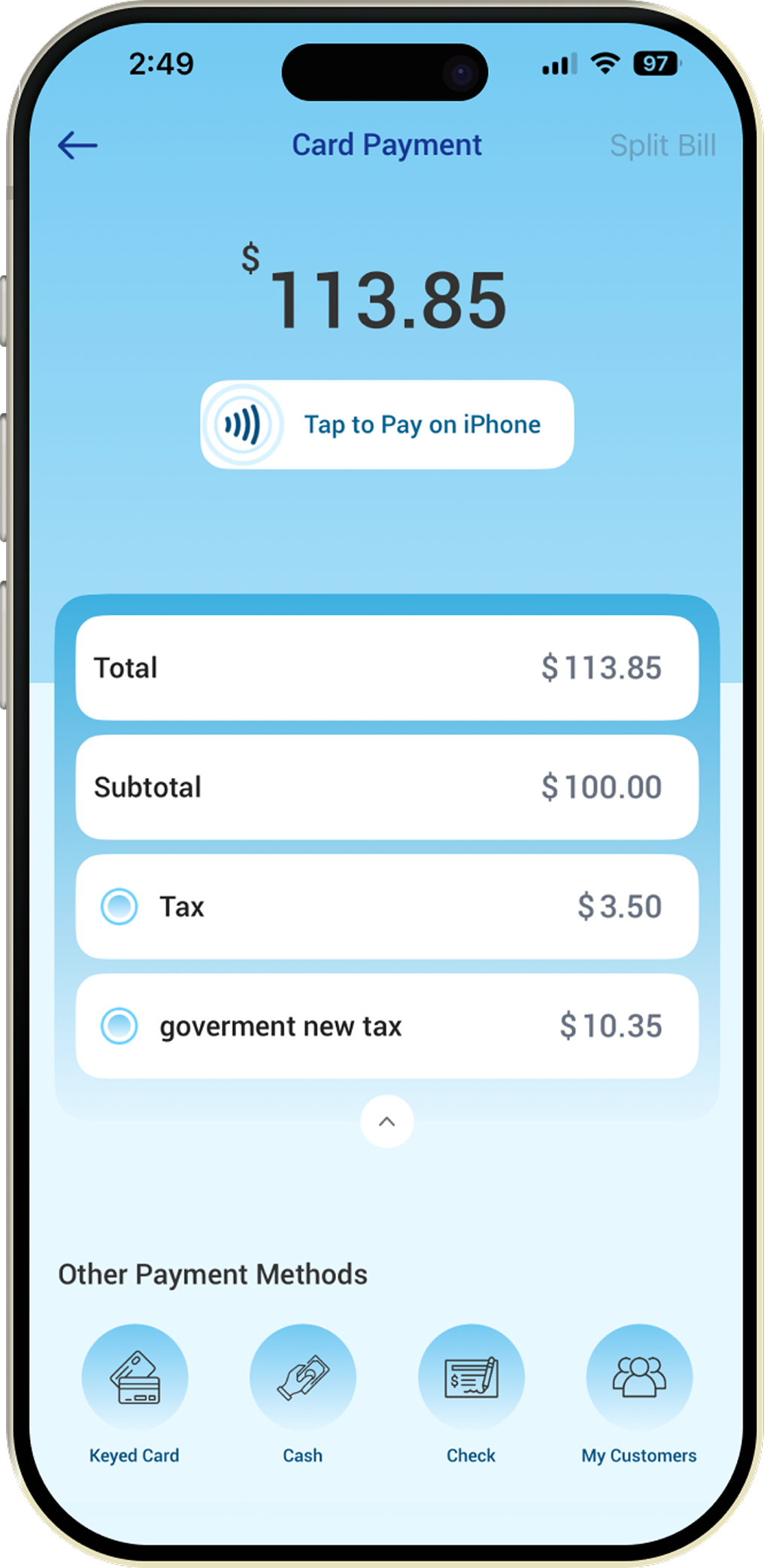
Step 08
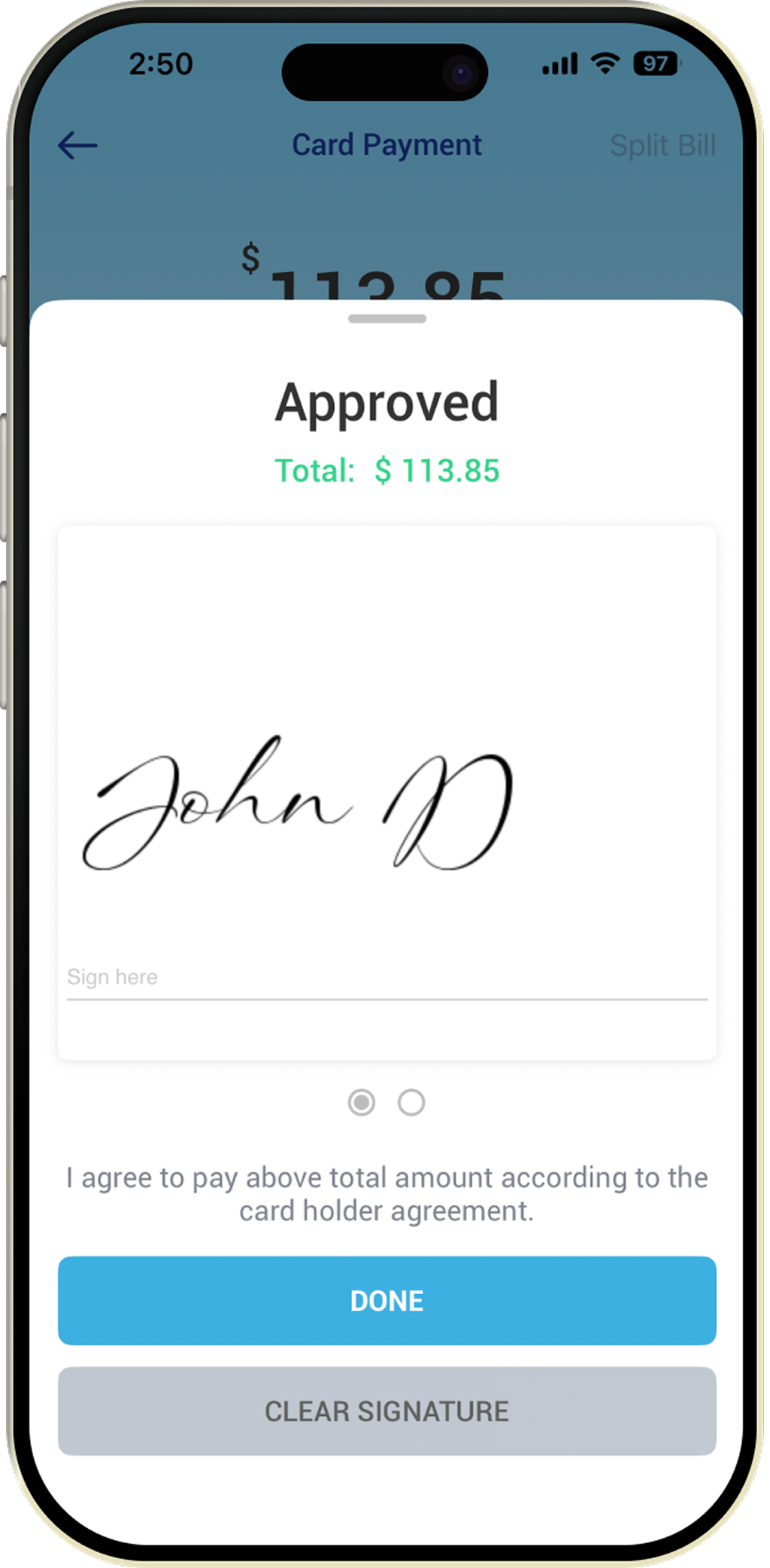
Step 09
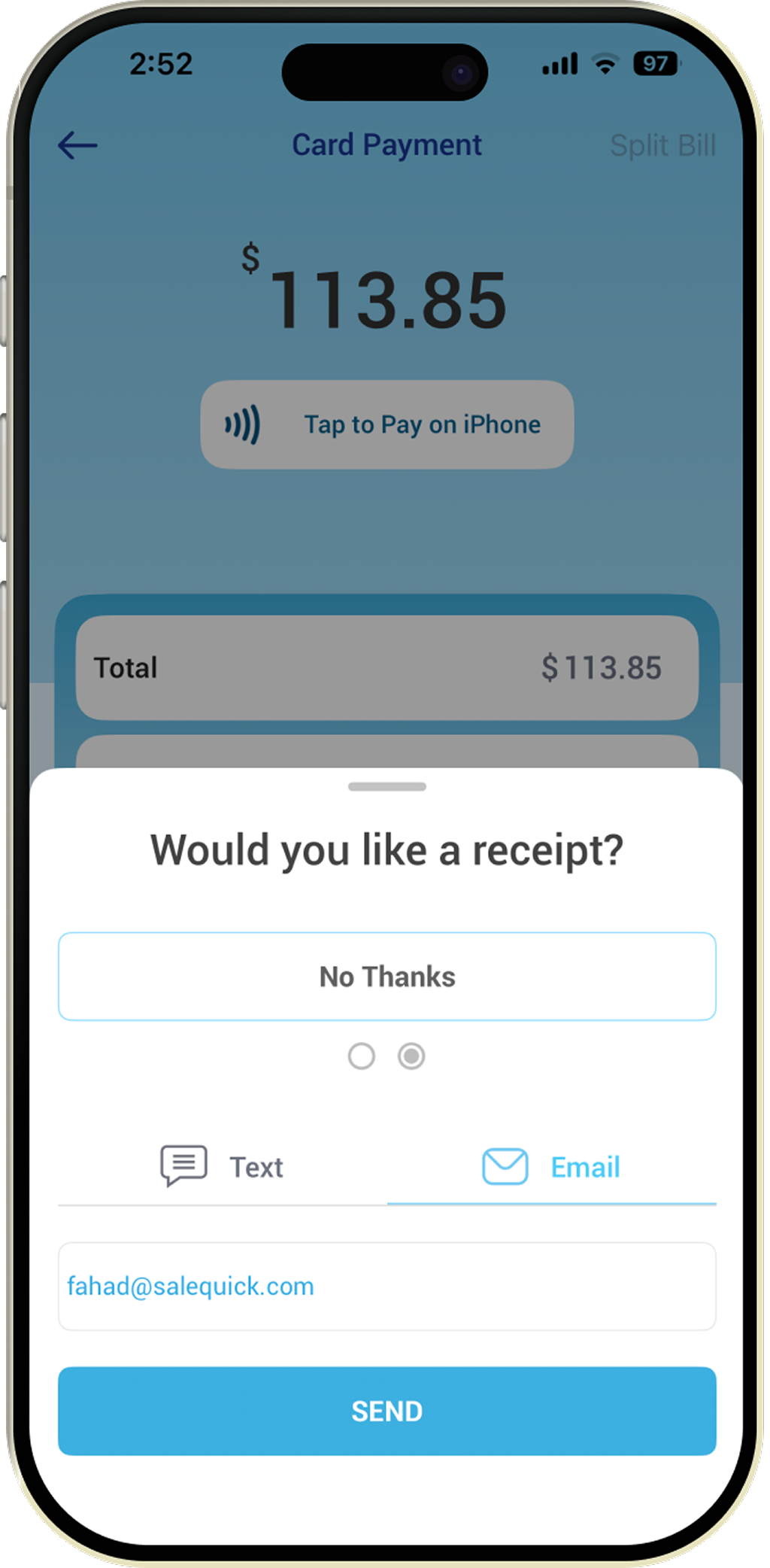
Step 10
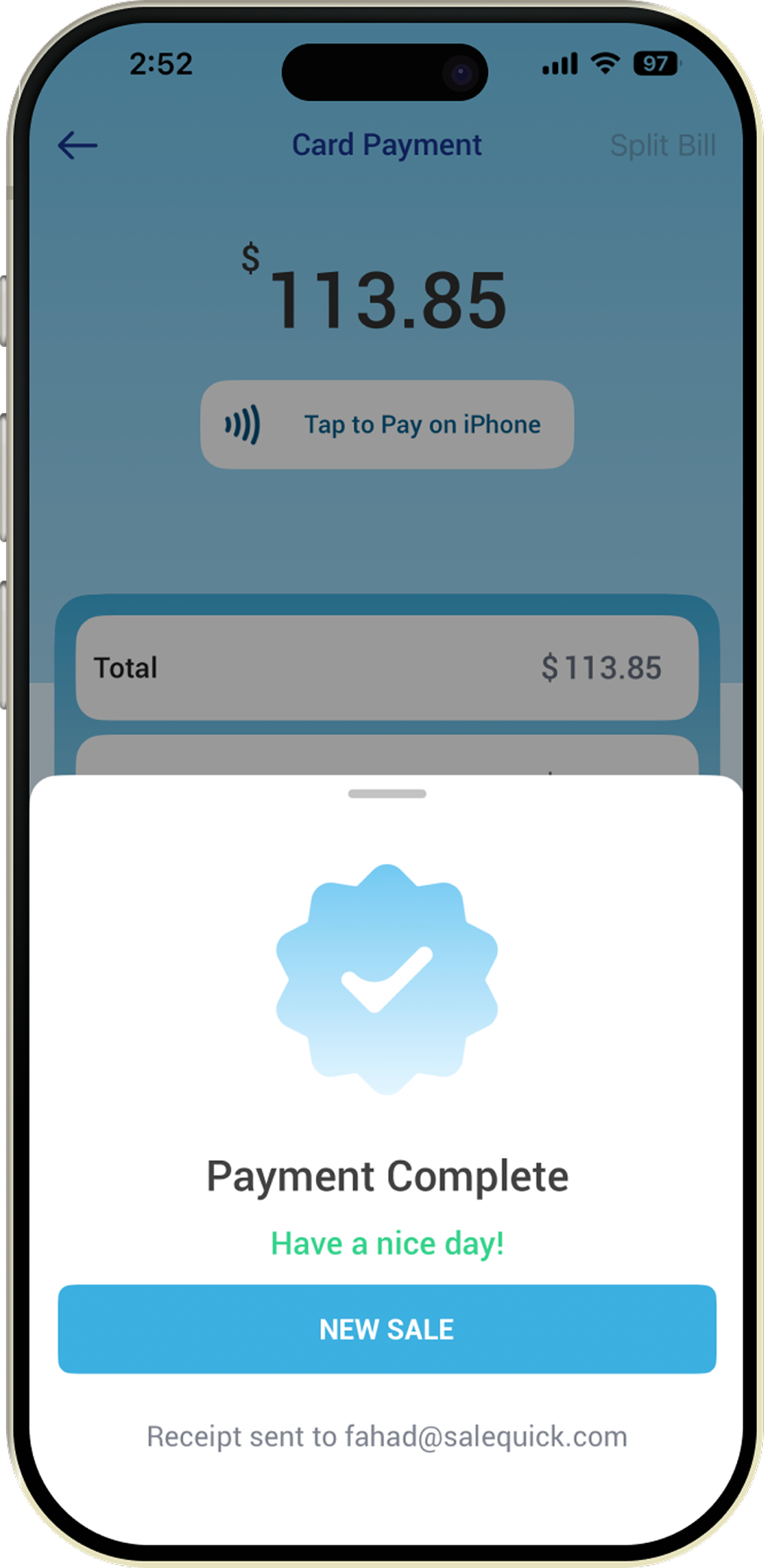
Step 11
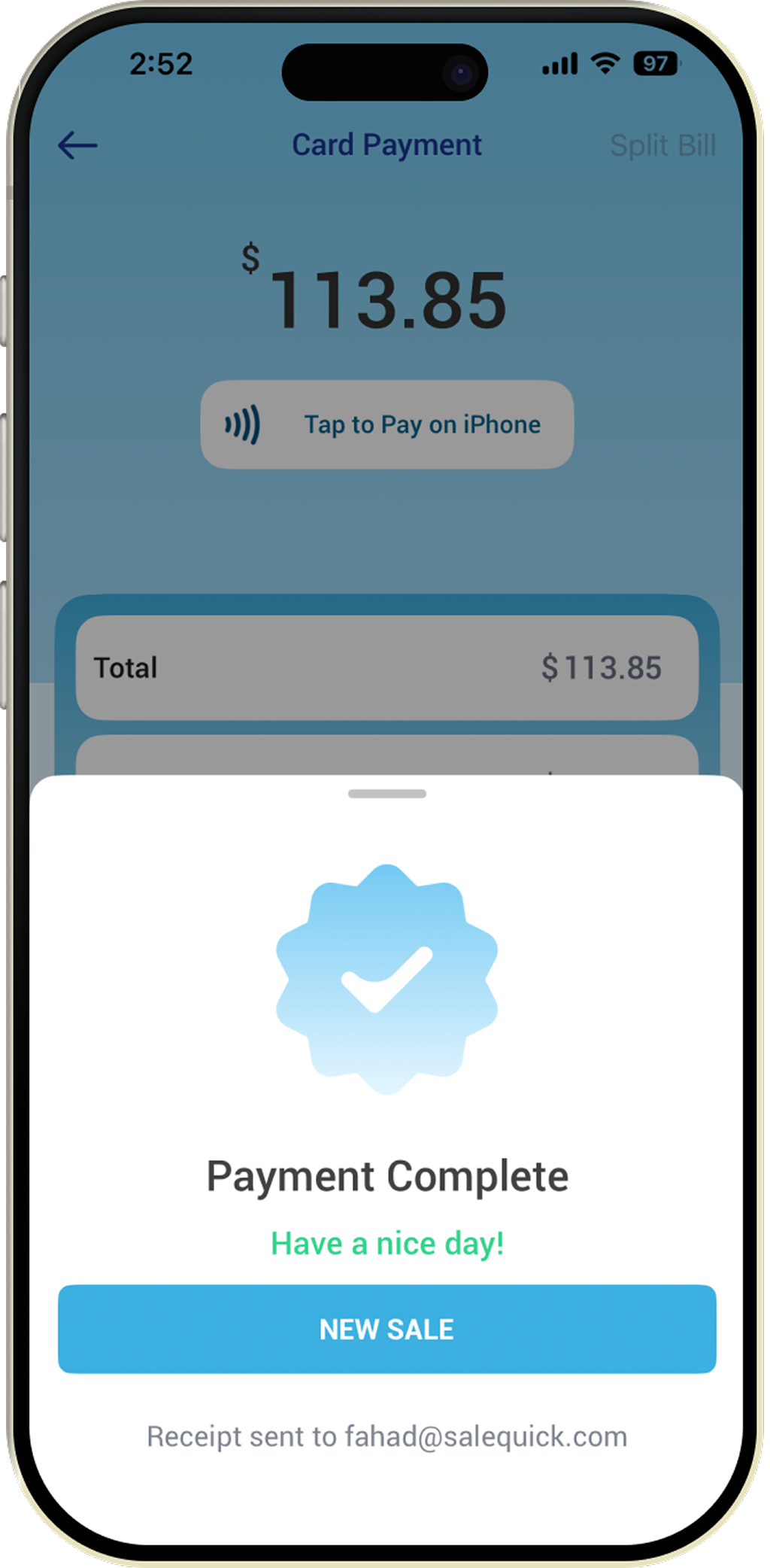
Step 12